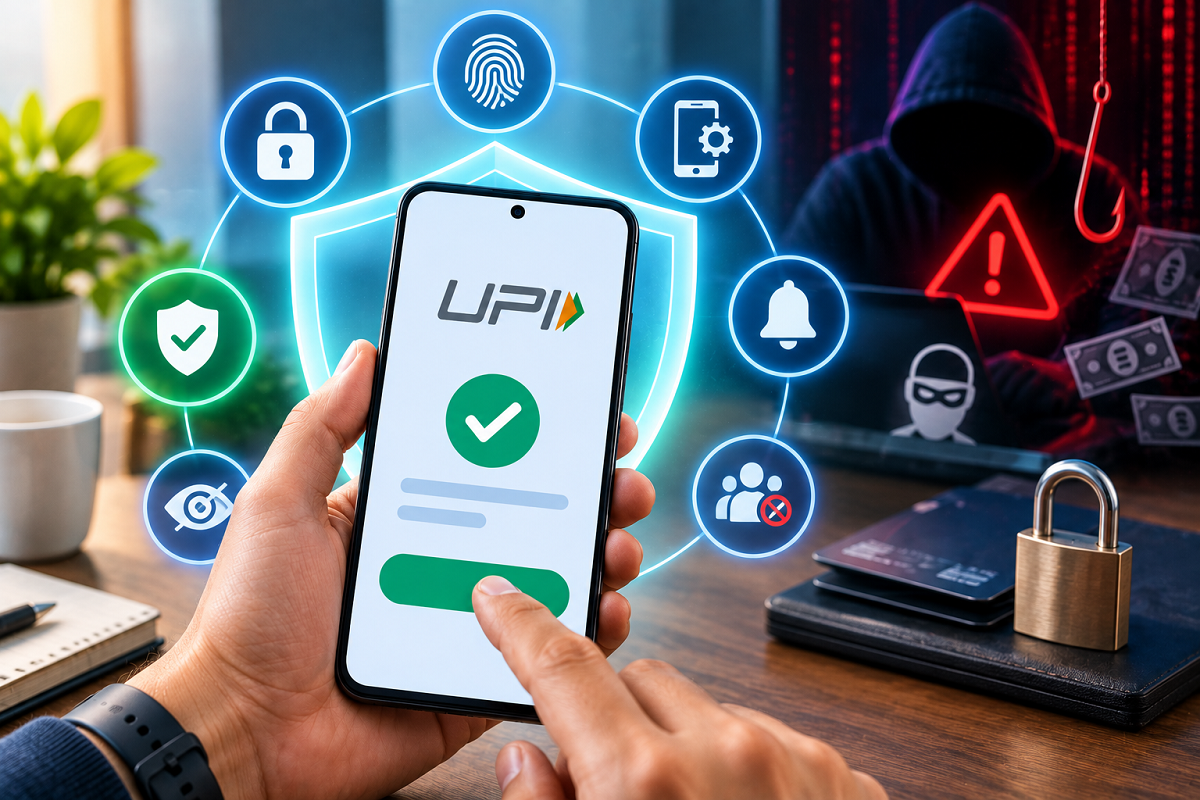
UPI has transformed digital payments in India by allowing users to transfer money, pay bills and make purchases within seconds. From local shops to online platforms, scanning a QR code or entering a UPI ID has become part of everyday life for millions of people.
But convenience also requires caution. Fraudsters frequently use fake calls, misleading messages, phishing links, fraudulent QR codes and other social-engineering tricks to convince users to approve transactions or reveal sensitive information.
The good news is that many common UPI scams can be avoided by following basic security practices. Protecting your UPI PIN, checking payment details carefully and using your app's security features can significantly reduce unnecessary risks.
Here are six important precautions every UPI user should know.
1. Never Share Your UPI PIN With Anyone
Your UPI PIN is one of the most sensitive pieces of information associated with your digital payments.
Never share it with another person, including someone claiming to be a bank employee, customer-care executive, merchant or government official.
You should also avoid using an easily predictable PIN. Numbers linked to your birthday or other obvious combinations can be easier for someone familiar with your personal information to guess.
Most importantly, remember that a UPI PIN is generally required when you are authorising a debit or sending money. You do not normally need to enter your UPI PIN simply to receive money.
If someone tells you that entering a PIN is necessary to receive a refund, prize or incoming payment, treat the request with suspicion.
2. Turn On App Lock for Your UPI Application
Protecting the UPI app itself adds another layer of security.
If your application supports an App Lock feature, enable it. Depending on your phone and app, you may be able to use a separate PIN, fingerprint or face authentication.
This becomes particularly useful if your smartphone is lost, stolen or temporarily accessed by another person.
Your phone should also have a secure screen lock. Avoid leaving a device containing banking and UPI applications without PIN, password or biometric protection.
A combination of phone lock and app-level protection can make unauthorised access more difficult.
3. Check the Receiver's Name Before Approving Payment
A payment should never be approved in a hurry.
When you enter a UPI ID or scan a QR code, carefully check the recipient details displayed by the app before proceeding.
This is especially important when paying an unfamiliar merchant or transferring a large amount.
Fraudsters can replace or manipulate QR codes, while users can also accidentally select the wrong contact or enter incorrect payment information.
Taking a few extra seconds to verify the recipient can prevent a payment from being sent to the wrong account.
For a large transfer to a new recipient, users may also consider making a small test payment first where appropriate.
4. Don't Trust Unknown Links, Calls or Messages
One of the most common ways scammers target digital-payment users is through social engineering.
You may receive a message claiming that your bank account will be blocked, KYC has expired, a refund is pending, a reward is waiting or an urgent payment must be completed.
Such messages are often designed to create fear or excitement so that the victim acts without checking.
Do not open suspicious links sent through SMS, email or messaging apps. Avoid installing unknown applications at the request of a caller.
Be particularly cautious if someone asks you to download a screen-sharing or remote-access application. Giving a stranger remote access to your phone can expose sensitive information and increase the risk of financial fraud.
If a message claims to be from your bank or UPI provider, independently contact the organisation through its official app, website or verified customer-support channel.
5. Understand QR Codes Before Scanning Them
QR codes make UPI payments convenient, but users should understand what happens after scanning one.
A QR code can contain payment information that helps initiate a transaction. Before authorising anything, check the merchant or recipient name and the amount displayed on your screen.
Do not scan an unknown QR code simply because someone says it is required to receive money.
A common scam involves convincing a victim that scanning a QR code and entering a UPI PIN will credit money to their account. In reality, the process may initiate a payment from the victim.
The safest rule is simple: read what your UPI app is asking you to approve before entering your PIN.
6. Keep Your Phone and UPI App Updated
Security is not limited to passwords and PINs.
Keep your smartphone's operating system and UPI applications updated. Software updates can contain security fixes that address known vulnerabilities.
Install UPI and banking apps only from trusted official app stores, and avoid downloading APK files or modified versions from unknown websites.
It is also useful to review app permissions periodically. An application should not be given unnecessary access to sensitive features unless that access is required for its legitimate functions.
Never Approve a Transaction You Don't Understand
Scammers often rely on urgency.
They may say an offer is about to expire, your account will be suspended or you must immediately approve a request to prevent a financial loss.
Do not allow urgency to override basic verification.
If a UPI request appears unexpectedly, read the information carefully before accepting it. If you do not recognise the person or transaction, do not approve it until you have independently verified the request.
What Should You Do If Your Phone Is Lost?
If a smartphone containing UPI and banking applications is lost or stolen, quick action can help reduce risk.
Contact your mobile operator to block the SIM where appropriate and inform your bank or payment service if you believe your financial accounts could be exposed.
Use available device-security features to remotely lock or locate the phone when possible.
You should also review banking transactions and account activity for anything unfamiliar.
What to Do If You Suspect UPI Fraud
If you notice an unauthorised UPI transaction, contact your bank or UPI service provider as soon as possible through an official channel.
Do not depend on random customer-care numbers found in social media comments or unverified search results, as fraudsters can create fake support numbers.
Keep relevant transaction details, screenshots and messages because they may be useful when reporting the incident.
In India, suspected cyber financial fraud can also be reported through the government's designated cybercrime reporting mechanisms.
UPI Is Convenient, but User Awareness Matters
UPI itself uses multiple security controls, but fraudsters often try to bypass technical protections by manipulating the person making the payment.
Instead of directly attacking a payment system, a scammer may persuade the victim to voluntarily enter a PIN, approve a collect request, scan a QR code or install a malicious application.
This is why awareness remains one of the strongest protections against digital-payment scams.
The Bottom Line
UPI can make everyday payments fast and convenient, but users should never sacrifice security for speed.
Never disclose your UPI PIN, enable phone and app locks, verify the recipient before sending money, stay away from suspicious links, understand what a QR code is asking you to approve, and keep your device and payment apps updated.
Above all, stop whenever a transaction seems unusual. Read the payment screen carefully and verify unexpected requests independently.
A few seconds of checking before entering your UPI PIN can be far more valuable than trying to recover money after a fraudulent transaction.