
Technology
WhatsApp Privacy Tips 2026: Hide Personal Chats With Chat Lock and Secret Code, Follow These Easy Steps
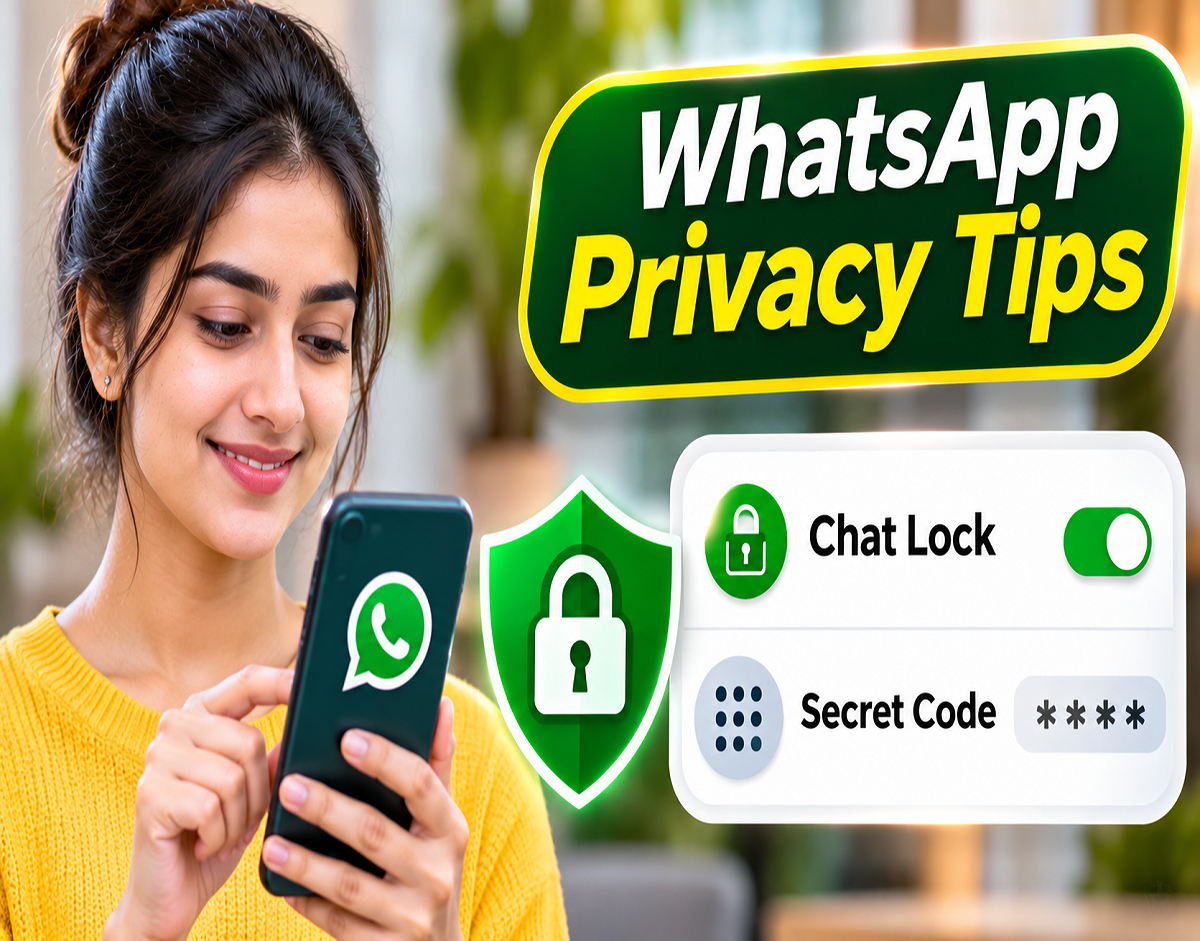
WhatsApp Secret Chat Lock Feature 2026: WhatsApp users who want to keep their personal conversations away from unwanted attention can take advantage of two useful privacy features: Chat Lock and Secret Code. These built-in tools allow users to protect selected conversations and even hide the Locked Chats folder from the main chat screen.
Whether you share your smartphone with family members, occasionally hand it to friends or simply want additional privacy for sensitive conversations, WhatsApp's Chat Lock feature can provide another layer of protection.
The feature allows users to secure individual and group conversations using their device's supported authentication methods, such as a fingerprint, facial recognition or passcode.
For additional privacy, WhatsApp also offers a Secret Code feature that can conceal the Locked Chats folder itself. Once enabled, users can find their hidden conversations by entering their chosen code into WhatsApp's search bar.
Here is a complete guide to enabling Chat Lock, hiding private conversations and accessing them whenever necessary.
What Is WhatsApp Chat Lock and How Does It Work?
WhatsApp Chat Lock is a privacy feature designed to prevent casual access to selected conversations.
When users activate Chat Lock for an individual or group conversation, WhatsApp moves that chat from the regular conversation list into a separate section called Locked Chats.
Accessing this folder requires the appropriate authentication method supported by the device and WhatsApp.
The feature also helps protect message privacy by hiding the contents of notifications associated with locked conversations.
This means that even if someone briefly uses your smartphone, they should not be able to open a protected conversation without completing the required verification.
However, Chat Lock is an additional privacy safeguard rather than a replacement for securing the smartphone itself.
How to Lock a Personal WhatsApp Chat
Users can enable Chat Lock for individual conversations or supported group chats.
Follow these steps:
- Open WhatsApp on your Android smartphone or iPhone.
- Select the personal or group conversation you want to protect.
- Tap the contact's name or group name at the top of the conversation.
- Scroll through the available options and select Chat Lock.
- Enable the option to lock the conversation.
- Confirm your identity using the authentication method requested by WhatsApp.
- Once the process is complete, the conversation will move into the Locked Chats section.
The exact wording of the settings may differ slightly depending on the operating system and WhatsApp version.
After activation, the protected conversation will no longer appear in its usual position within the main chat list.
WhatsApp Secret Code: How to Hide the Locked Chats Folder
Although Chat Lock protects individual conversations, the Locked Chats folder may still be visible in WhatsApp.
For users seeking greater discretion, the Secret Code feature provides an additional option.
With this setting, users can hide the entire Locked Chats folder from the main conversation screen.
The folder can then be revealed by entering the chosen secret code into WhatsApp's search field.
Steps to Enable WhatsApp Secret Code
- Open WhatsApp and access the Locked Chats folder.
- Complete the required authentication.
- Open the Locked Chats settings.
- Select the Secret Code option.
- Create a secret code that you can remember.
- Confirm the code as instructed.
- Enable Hide Locked Chats.
Once the feature is activated, the Locked Chats folder will disappear from the normal chat list.
Users can reveal it again by typing their secret code into the WhatsApp search bar.
For better privacy, choose a code that is difficult for other people to guess and avoid sharing it.
WhatsApp Chat Lock vs Secret Code: What Is the Difference?
Although both features protect conversations, they serve slightly different purposes.
| Feature | Chat Lock | Secret Code |
|---|---|---|
| Main Purpose | Protect selected conversations | Conceal the Locked Chats folder |
| Where Chats Appear | Locked Chats folder | Hidden until revealed |
| Access Method | Supported device authentication | Secret Code to reveal hidden folder |
| Hides Chat From Main List | Yes | Yes |
| Hides Locked Chats Folder | Not by itself | Yes, when enabled |
| Protects Notification Content | Yes, for locked chats | Works alongside Chat Lock |
Users who only want to restrict access to certain conversations may find Chat Lock sufficient.
Those who also want to conceal the presence of the Locked Chats folder can enable Secret Code.
How to Open Locked WhatsApp Chats Again
The process for accessing protected conversations depends on whether the Locked Chats folder is visible or hidden.
If the Locked Chats Folder Is Visible
Open WhatsApp and go to the Chats section.
Pull down the conversation list, where the Locked Chats folder can normally be accessed.
Tap the folder and complete the required authentication.
Once verified, the protected conversations will appear.
If the Locked Chats Folder Is Hidden
Open WhatsApp and tap the search bar.
Enter the Secret Code that you previously created.
When WhatsApp recognises the code, the hidden Locked Chats section should become available.
You can then access your protected conversations using the applicable authentication process.
The Secret Code is primarily used to reveal the hidden folder; additional verification may still be required to open protected chats.
Will WhatsApp Notifications Reveal Locked Messages?
One of the advantages of Chat Lock is that it helps prevent message contents from appearing in ordinary notifications.
When a protected conversation receives a new message, WhatsApp can conceal identifying details and message previews.
This reduces the possibility of someone reading private information from the notification panel while using or viewing your phone.
However, users should also review their device's lock-screen notification settings for additional privacy.
For example, both Android and iOS provide options to restrict sensitive notification previews.
Combining these settings with WhatsApp Chat Lock can offer more comprehensive protection.
Does Chat Lock Stop WhatsApp Voice and Video Calls?
No. Locking a conversation does not automatically block incoming WhatsApp voice or video calls from that contact.
The feature is designed to protect access to chat messages, not prevent communication.
Users should therefore understand that calls and related call information may still appear according to WhatsApp's behaviour and the device's notification settings.
If someone wants to prevent unwanted calls or messages, WhatsApp provides separate blocking and privacy controls.
Chat Lock should not be confused with blocking a contact.
Can You Lock Both Individual and Group Conversations?
Yes. WhatsApp Chat Lock can be used with supported individual and group conversations.
For example, users may want to protect conversations involving personal matters, confidential work discussions or private family information.
The feature allows users to select the conversations that require additional protection rather than locking every chat in the application.
This makes it convenient for people who use WhatsApp for both professional and personal communication.
However, users should remember that locking a conversation on their own device does not lock the same conversation on another participant's phone.
Each participant controls the privacy and security settings of their own device.
Important WhatsApp Privacy Settings You Should Check
In addition to Chat Lock and Secret Code, WhatsApp provides several other privacy controls.
| Privacy Setting | What It Helps You Control |
|---|---|
| Last Seen and Online | Who can view your activity information |
| Profile Photo | Who can see your profile picture |
| About | Who can view your profile description |
| Status | Who can see your status updates |
| Read Receipts | Whether supported message read indicators are shared |
| Two-Step Verification | Additional protection for account registration |
| Chat Lock | Access to selected conversations |
| Secret Code | Visibility of the Locked Chats folder |
Most of these options can be reviewed through WhatsApp Settings → Privacy, while two-step verification is generally available through account settings.
Users should periodically review their privacy preferences, particularly when sharing a smartphone or using WhatsApp on multiple devices.
What Happens If You Forget Your WhatsApp Secret Code?
Users should choose a Secret Code they can remember without making it easy for others to guess.
If the code is forgotten, WhatsApp may provide recovery or reset options depending on the application version and account settings.
However, users should be cautious when using any option that offers to clear or reset locked chats, because some recovery actions may result in the deletion of protected conversation content.
Before proceeding, carefully read the instructions and warnings displayed by WhatsApp.
It is also advisable to maintain appropriate chat backups according to your privacy preferences.
Is WhatsApp Chat Lock Completely Secure?
Chat Lock can help prevent casual access to private conversations, but no single feature guarantees complete privacy.
Someone who knows your phone's passcode or can successfully use an authorised biometric authentication method may still be able to access protected information.
Similarly, the feature cannot prevent another participant in a conversation from saving or sharing messages from their own device.
For stronger account security, users should keep their phones updated, enable an appropriate screen lock and avoid sharing authentication credentials.
They should also use the official WhatsApp application rather than modified versions downloaded from unknown websites.
WhatsApp Secret Chat Feature 2026: Final Takeaway
WhatsApp's Chat Lock and Secret Code features offer a convenient way to protect personal conversations from unwanted access.
Chat Lock moves selected conversations into a protected folder, while Secret Code allows users to hide that folder from the main chat screen.
Together, these tools can provide additional privacy for people who occasionally share their phones with others.
If you want to keep certain WhatsApp conversations private, enable Chat Lock first and then activate Secret Code with Hide Locked Chats for an additional layer of discretion.
The settings are available through supported WhatsApp versions, although their exact appearance may differ between devices.