
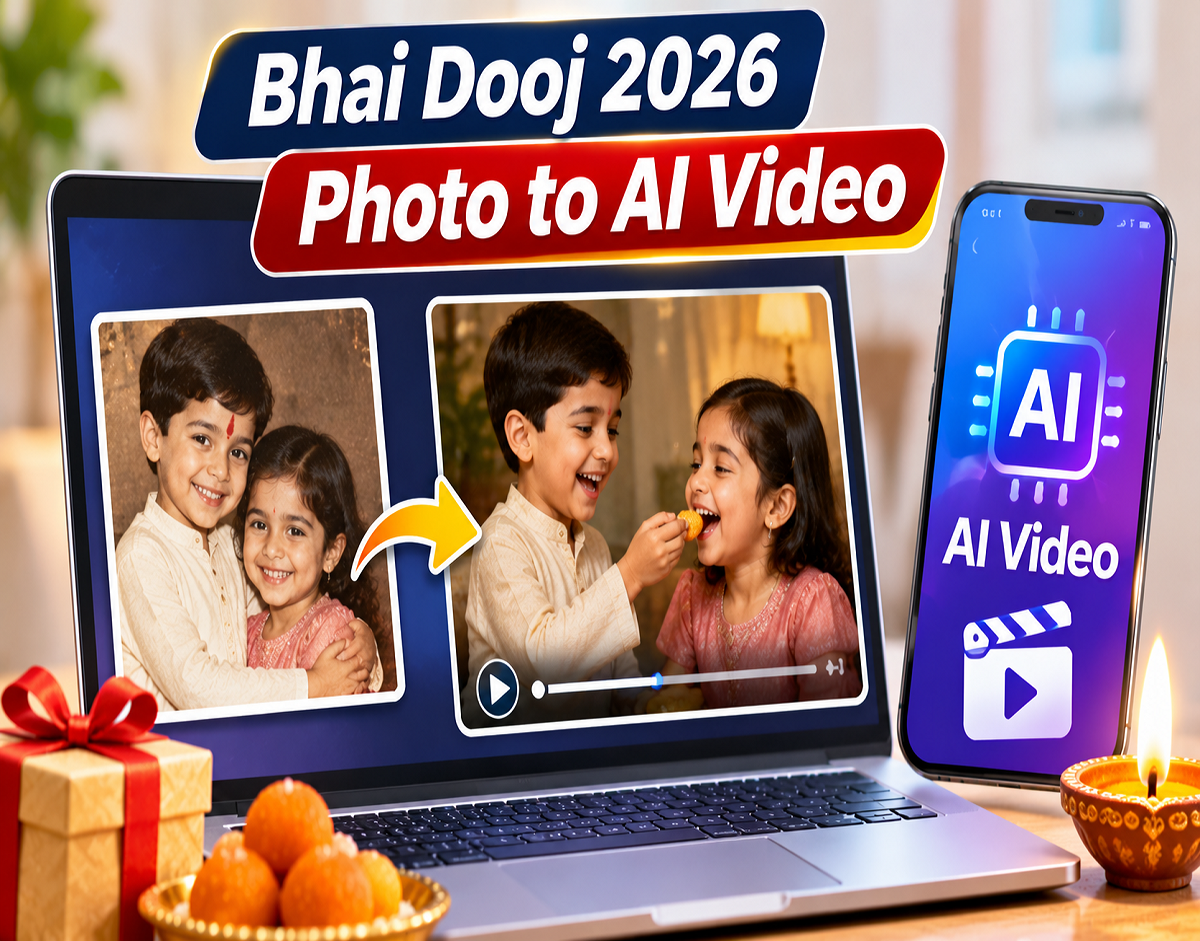
Bhai Dooj AI Video Tips 2026: Looking for a memorable way to surprise your brother or sister this Bhai Dooj? Instead of sending an ordinary greeting card or photograph, you can transform childhood pictures into short, cinematic videos using artificial intelligence. Modern image-to-video AI tools can add subtle smiles, natural blinking, gentle camera movement and nostalgic visual effects to old family photographs.
The best part is that you do not need professional video editing skills to get started. With a clear photograph, an appropriate AI video generator and a carefully written prompt, you can create a personalised digital gift that celebrates years of shared memories.
From school photographs and birthday celebrations to family vacations and childhood festivals, almost any suitable picture can become part of a short memory video.
What Is an AI Photo-to-Video Generator?
An AI photo-to-video generator is a tool that converts a still image into a short moving sequence.
Unlike traditional slideshows, which simply display photographs with transitions, image-to-video AI can generate movement within the picture itself.
For example, a childhood photograph of a brother and sister sitting together may be animated to show gentle smiles or subtle eye movements.
Some tools also allow users to introduce cinematic camera effects, such as slowly zooming towards the subjects or moving across the scene.
However, the resulting video is AI-generated animation rather than genuine footage of the original event.
Best AI Tools for Creating Bhai Dooj Memory Videos
Several AI platforms offer image-to-video capabilities suitable for creative projects.
13 Opções de Melhor IA Gratuita para Criar Vídeos
Runway
Useful for cinematic image animation, controlled camera movement and creative video generation.
How to Use Kling AI: Tutorial & Prompt Tips
Kling AI
Offers AI-generated motion from images, including human expressions and scene animation.
How to get started with Adobe Firefly – 5 tips for using AI | TechRadar
Adobe Firefly
Supports creative AI video generation using images and descriptive text instructions.
Adobe Firefly official website
Available features, video duration, pricing and free-generation limits can vary by platform and subscription.
How to Turn Old Brother-Sister Photos Into AI Videos
1
Choose a Childhood Photograph
Select a clear picture showing your brother and sister. Images with visible faces and good lighting generally work better.
2
Improve the Photo Quality
Scan printed photographs and correct obvious scratches, blur or faded colours without significantly changing facial features.
3
Upload the Picture
Open your preferred AI video generator and select its Image-to-Video feature.
4
Write an Animation Prompt
Describe subtle expressions, realistic movements and the camera effect you want.
5
Choose a Camera Movement
Try a slow zoom, gentle pan or static camera for a nostalgic look.
6
Generate a Short Clip
Start with a 5–10 second video where supported, then review the result.
7
Combine Multiple Memories
Create separate clips from different childhood photographs and arrange them chronologically.
8
Add Music and a Greeting
Use a video editor to add background music, simple transitions and a short Bhai Dooj message.
Best AI Prompts for Bhai Dooj Childhood Photos
Writing a clear prompt is one of the most important parts of creating a realistic AI video.
For old family photographs, it is usually better to request small, natural movements rather than dramatic actions.
Here are three ready-to-use English prompts.
Nostalgic Childhood Memory
Copy
Animate this childhood photograph with a slow cinematic camera zoom. The brother and sister smile gently and blink naturally. Preserve their original facial features, hairstyles, clothing and background. Add soft warm lighting, realistic subtle movements and a nostalgic family atmosphere. Avoid face distortion or exaggerated expressions.
Playful Brother-Sister Moment
Copy
Create a realistic short video from this childhood photograph. The brother gently turns his eyes toward his sister and smiles. The sister responds with a subtle, happy expression. Maintain the exact identity and appearance of both children. Use minimal movement, natural blinking and a soft cinematic camera push-in.
Emotional Bhai Dooj Memory
Copy
Transform this old family photograph into a beautiful nostalgic cinematic video. Keep both siblings' faces, clothes and surroundings faithful to the original image. Add gentle smiles, natural blinking, subtle breathing and a slow camera movement. Use warm golden lighting and a heartfelt family atmosphere. No sudden movement or facial changes.
These prompts can be adapted according to the photograph. For instance, if the subjects are standing, the prompt should not instruct them to perform movements that require major changes in body position.
Which Camera Effect Works Best for Old Family Photos?
Camera movement can make a simple childhood photograph feel more cinematic.
| Camera Effect | Result |
|---|---|
| Slow Push-In | Gradually moves closer to the subjects |
| Slow Pull-Back | Slowly reveals more of the scene |
| Gentle Pan | Moves the camera across the photograph |
| Static Shot | Keeps the camera steady while adding subtle facial movement |
For photographs featuring children, slow zooming and minimal facial animation can help preserve the original appearance.
Complex actions such as running, jumping or hugging may introduce visual errors, particularly when the original photograph does not contain enough information about the subjects' bodies.
How to Make a Complete Bhai Dooj Video Using Multiple Photos
A single animated photograph can make a meaningful greeting, but combining several pictures can tell a more complete story.
Start with an early childhood photograph showing the siblings together.
Follow it with images from school celebrations, birthdays, family holidays and other memorable occasions.
Finally, add a recent photograph to show how the relationship has developed over time.
For a short social media video, three to five animated photographs may be sufficient.
Once the AI-generated clips are ready, arrange them in a video editing application.
Add gentle transitions between scenes and keep the overall pacing consistent.
A simple closing message such as "Happy Bhai Dooj — Together Since Childhood" can make the video feel more personal.
How Long Should a Bhai Dooj AI Video Be?
The ideal duration depends on the number of photographs and where you plan to share the video.
For a WhatsApp greeting or Instagram Reel, a short video of approximately 15–30 seconds can work well.
If you want to include several childhood memories, a longer video may be more suitable.
However, AI-generated clips do not need to be long individually.
Short clips are often easier to review and regenerate if the AI changes someone's face or creates unnatural movements.
The maximum clip duration depends on the platform and the video generation model.
Add Background Music and Personal Messages
Background music can help establish the mood of a nostalgic family video.
A gentle instrumental track may work well for emotional childhood memories, while upbeat music can suit playful photographs.
Users should choose music they have permission to use, particularly if the final video will be uploaded publicly.
Simple text messages can also make the video more meaningful.
Examples include:
- "Happy Bhai Dooj 2026"
- "Childhood Memories, Forever Together"
- "From Little Fights to Lifelong Love"
- "My First Friend, My Forever Sibling"
Avoid filling the screen with excessive text or visual effects. The photographs should remain the main focus.
Common Mistakes to Avoid When Creating AI Videos
One common mistake is asking the AI to generate too many movements from a single photograph.
If the original image shows two children sitting quietly, requesting that they suddenly stand up and dance may cause unrealistic body movements.
Another problem is facial distortion.
Some AI tools may unintentionally change a person's eyes, mouth, hairstyle or other identifying features.
If this happens, simplify the prompt and request less movement.
Users should also avoid excessive image enhancement that changes the original appearance of the people in the photograph.
The aim is to animate the memory while keeping the siblings recognisable.
Is It Safe to Upload Childhood Photographs to AI Platforms?
Privacy deserves special attention when uploading family photographs to online services.
Childhood pictures may contain personal details such as school uniforms, home interiors or other identifiable information.
Before uploading images, users should review the platform's privacy policy and understand how uploaded content may be stored or used.
Where appropriate, obtain permission from family members or parents and guardians before uploading photographs of children.
If the video is intended only as a personal gift, sharing it privately may be preferable to publishing it on an open social media account.
Users should also remember that AI-generated movement is fictional. The finished video should not be presented as authentic historical footage.
Why AI Memory Videos Make a Special Bhai Dooj Gift
Bhai Dooj celebrates the relationship between brothers and sisters, making childhood memories especially meaningful.
A personalised AI video can bring together photographs that might otherwise remain forgotten in an old album or smartphone gallery.
Unlike a generic greeting, the finished video reflects shared experiences, family celebrations and personal moments.
The process is also accessible to beginners. With a suitable photograph and straightforward instructions, users can experiment with image animation without learning advanced editing software.
The most effective results often come from keeping the original photograph recognisable and allowing only gentle movement.
Bhai Dooj AI Video Tips 2026: Final Takeaway
Artificial intelligence offers a creative way to revisit childhood memories and turn old photographs into short animated videos.
By selecting clear images, using simple prompts and choosing subtle camera movements, users can create personalised Bhai Dooj greetings.
Platforms such as Runway, Kling AI and Adobe Firefly provide different image-to-video capabilities, although their features and pricing may vary.
For the best results, preserve the original faces, avoid exaggerated movements and carefully review each generated clip before sharing it.
Disclaimer: AI-generated videos are synthetic animations, not recordings of actual past events. Tool availability, output quality, usage limits and privacy policies may change.