Technology
How Safe Are Photos Sent on WhatsApp? What End-to-End Encryption Protects—and What It Doesn’t
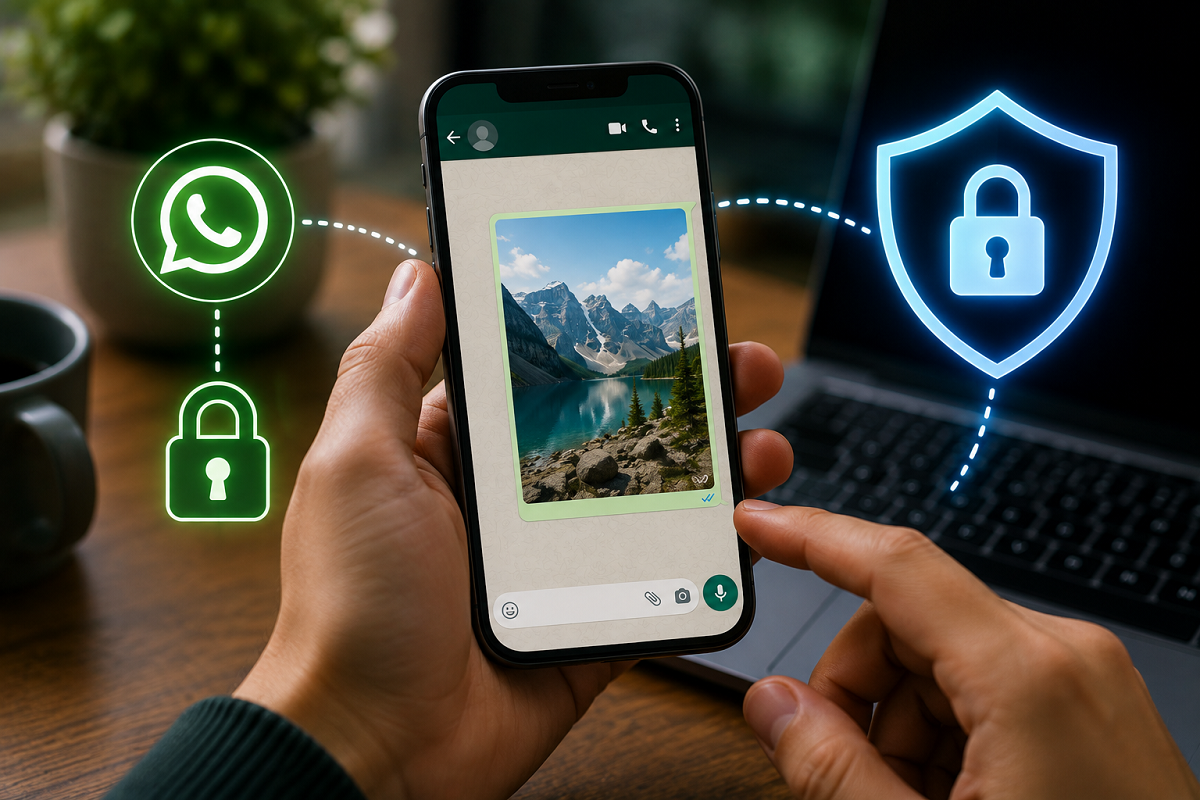
WhatsApp Photo Safety: Personal messages, photos and videos are protected by end-to-end encryption by default, but screenshots, downloads, backups and a compromised phone can still create privacy risks.
WhatsApp has become much more than a messaging app. People routinely use it to share family pictures, travel photos, screenshots, bills, documents and sometimes even sensitive financial information. With cyber scams and account takeovers remaining a concern, many users naturally wonder: Are photos shared through WhatsApp actually safe?
The answer requires understanding the difference between security while a photo is being transmitted and what can happen to that photo after it reaches another person's device.
Are WhatsApp Photos End-to-End Encrypted?
Personal WhatsApp messages and calls are protected with end-to-end encryption by default. The same protection applies to photos and videos exchanged through personal chats.
In simple terms, end-to-end encryption means that the content is encrypted when it leaves the sender's device and can be decrypted by the intended recipient's device.
This prevents someone intercepting ordinary network traffic from simply reading your conversations or viewing the photos being transferred.
However, encryption does not guarantee that a picture will remain private forever after it reaches the recipient.
The Biggest Risk May Be the Recipient
Once someone receives a regular photo on WhatsApp, they may be able to save it, forward it or otherwise retain a copy.
Depending on the device and settings, media may also be downloaded to the phone's storage or appear in its photo gallery.
Therefore, end-to-end encryption should not be confused with control over what another person does with your content.
Even when the transmission itself is protected, the recipient's actions can create a privacy risk.
Can Screenshots Make Photos Less Private?
Yes. Screenshots and other forms of copying are an important consideration when sharing private information digitally.
A recipient could potentially retain information displayed on their device using another device or other methods even when an app introduces restrictions designed to prevent ordinary copying.
This is why particularly sensitive documents or photographs should not be shared solely on the assumption that encryption will prevent them from being saved.
What About 'View Once' Photos?
WhatsApp offers a View Once feature for photos and videos. Media sent this way is designed to disappear after the recipient opens it.
This can provide an additional layer of privacy when you don't want a regular copy of the image sitting inside the conversation.
However, View Once should still not be treated as an absolute guarantee that information can never be captured. Someone could, for example, photograph the screen using another device.
For highly confidential information, the safest option is often not to send the image at all.
Be Extra Careful With PAN, Aadhaar and Banking Documents
The consequences become more serious when the photograph contains personal or financial information.
Users should be particularly cautious before sharing images containing:
- PAN or Aadhaar details
- Credit or debit card information
- Bank statements or passbooks
- Passwords, PINs or OTPs
- QR codes containing sensitive information
- Signed documents
- Passport or other identity-document details
Never share an OTP, PIN, CVV or password through WhatsApp simply because the conversation itself is encrypted.
If a person claiming to represent a bank, government department or company unexpectedly requests such information, verify the request through an official channel before responding.
Your Phone's Security Matters Too
End-to-end encryption protects information during communication, but it cannot fully protect data when someone gains access to an unlocked phone or compromises an account or device.
For example, privacy could be affected if a malicious person gets physical access to the phone, malware is installed on the device, or someone gains unauthorized access to a linked device.
Keeping your smartphone's operating system and WhatsApp updated is therefore an important part of maintaining security.
Turn On Two-Step Verification
WhatsApp users can add another layer of account protection through two-step verification.
This requires a PIN when registering the WhatsApp account again in certain circumstances and can make unauthorized account takeover more difficult.
Users should also periodically review Linked Devices and remove any computer or device they no longer recognize or use.
Are WhatsApp Backups Also Protected?
This is another important distinction.
Protection for messages while they are being exchanged and protection for backups are related but separate issues. WhatsApp offers end-to-end encrypted backups, which users can enable for additional protection of supported cloud backups.
If you rely heavily on WhatsApp for private conversations and media, reviewing your backup security settings is worthwhile.
Remember to protect any password or key associated with an encrypted backup because losing the required credentials could make recovery difficult.
So, Is Sending Photos on WhatsApp Safe?
For everyday communication, WhatsApp's end-to-end encryption provides strong protection for messages and media while they move between participants.
But encryption cannot eliminate every privacy risk.
The most important question before sending sensitive information is not simply "Is WhatsApp encrypted?" but "Do I trust the recipient and am I comfortable with this image potentially being retained?"
For ordinary pictures, WhatsApp's security protections make sharing convenient. For identity documents, financial details or highly personal photographs, users should be much more cautious and share only what is genuinely necessary.
Disclaimer: This article is intended for general cybersecurity awareness. Features and security settings may change with app updates.