Technology
Online Banking Safety: One Wrong Tap Can Cost You Money—Follow These Essential Security Steps
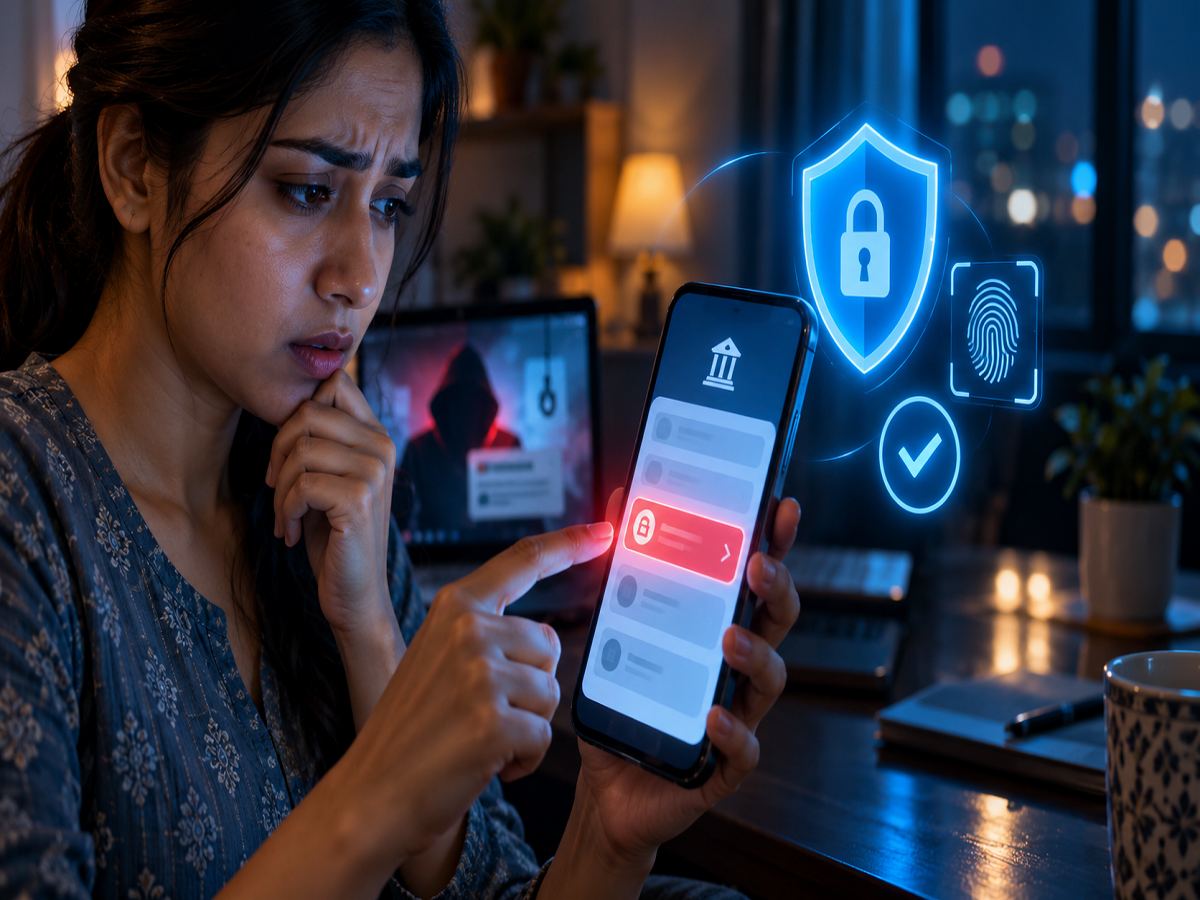
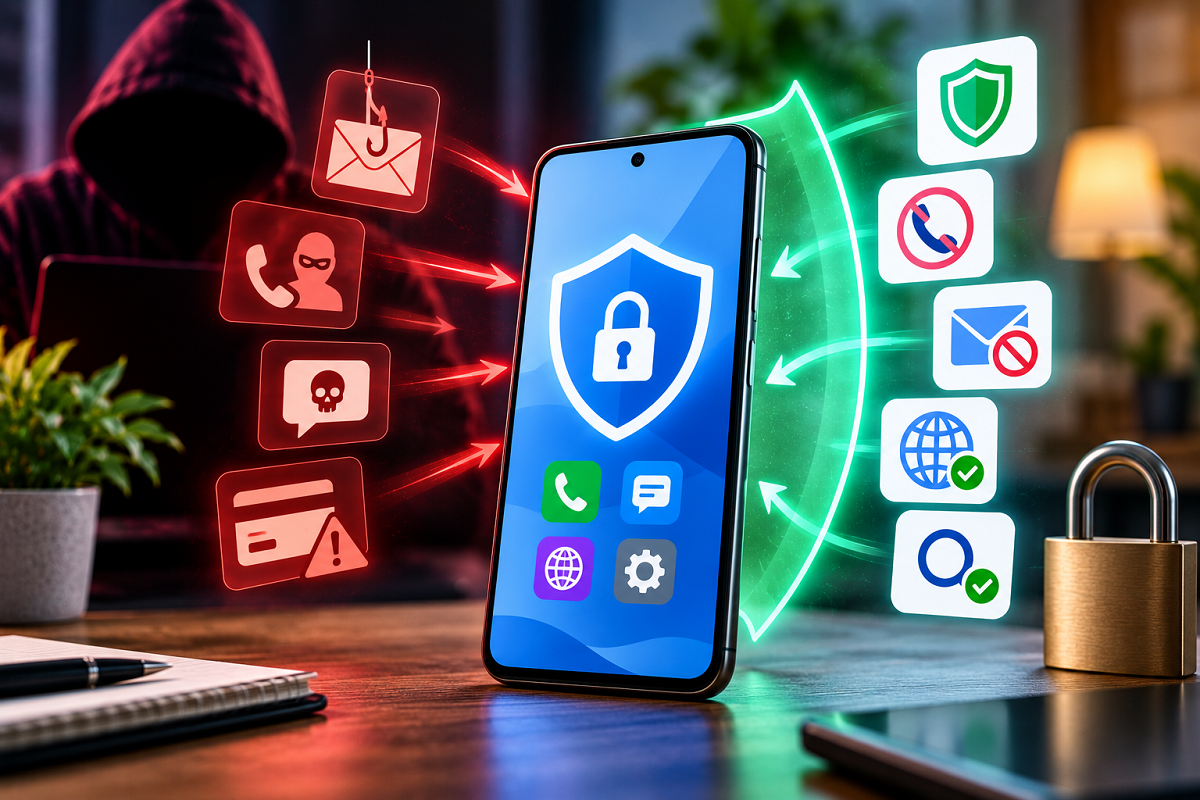
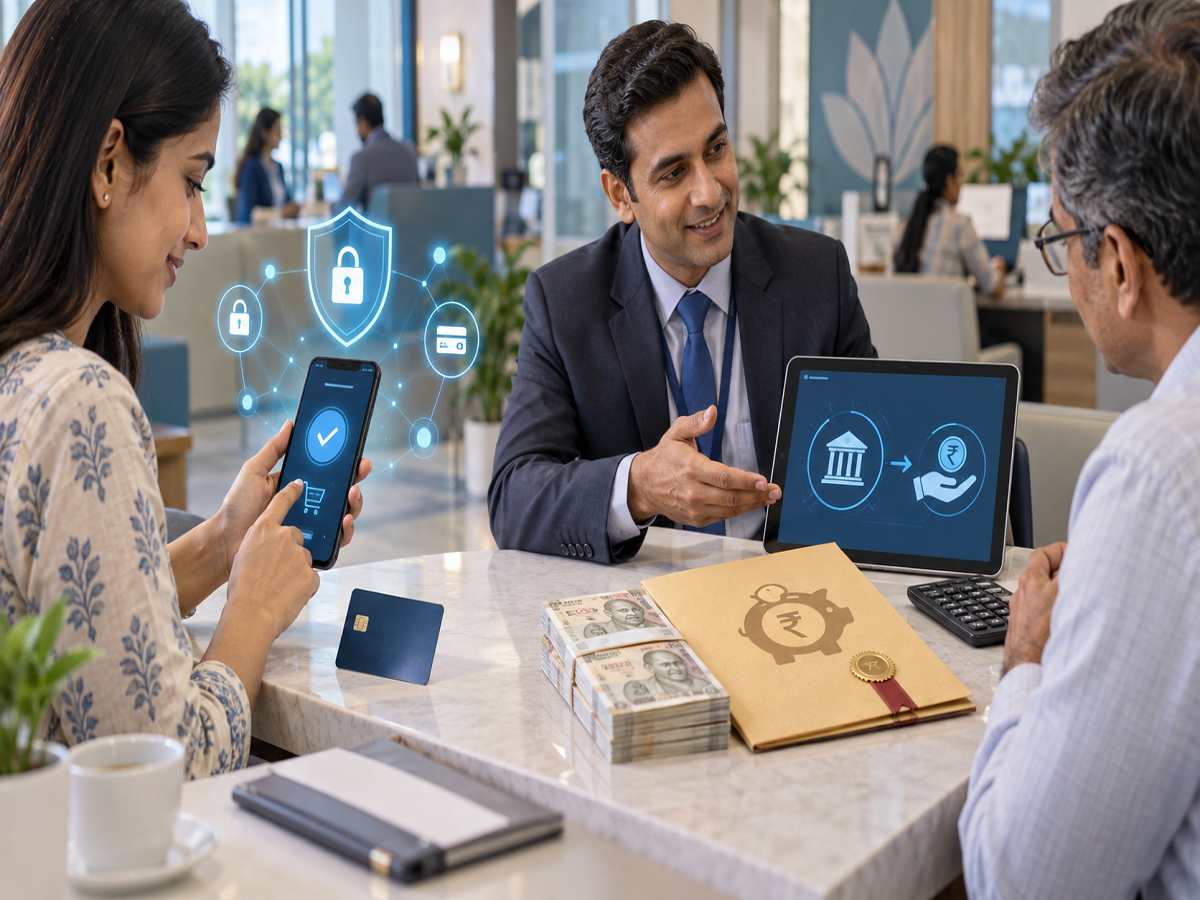
Online banking has transformed the way people manage money. Customers can transfer funds, pay bills, recharge mobile phones, shop online and check account balances within seconds. However, the same convenience is also being exploited by cybercriminals through phishing links, fake applications, fraudulent calls and remote-access scams.
A single careless action—such as entering banking details on a fake website, approving an unknown payment request or installing an unsafe app—can expose an account to fraud. Following a few basic security practices can significantly reduce the risk.
Never Log In Through an Unsolicited Link
Fraudsters frequently send messages claiming that a bank account, debit card, PAN, Aadhaar or KYC details will be blocked unless the customer acts immediately. These messages usually contain a link leading to a fake website designed to resemble the bank’s login page.
Do not access internet banking through links received by SMS, WhatsApp, email or social media. Open the bank’s official mobile application or type its verified website address directly into the browser.
Customers should also avoid using customer-care numbers found through random internet searches. Criminals sometimes publish fake helpline numbers online. Contact details should be taken from the bank’s official website, app, card or account statement.
A Padlock Symbol Does Not Prove a Website Is Genuine
Checking for “https” and a padlock icon is useful because it indicates that communication between the browser and website is encrypted. However, these indicators do not confirm that the website actually belongs to the bank.
A fraudulent website can also use HTTPS. Customers should inspect the complete domain name for misspellings, additional words or unusual characters. A fake address may differ from the genuine one by only a single letter.
The safest approach is to bookmark the verified bank website and use that saved link for future visits.
Never Share an OTP, PIN, Password or CVV
Banks and payment-system operators do not ask customers to disclose confidential credentials over a phone call or message.
Never share:
- Internet-banking password
- ATM or debit-card PIN
- Credit-card PIN
- UPI PIN
- One-Time Password
- Card Verification Value
- App login PIN
- Complete card details
The Reserve Bank of India advises customers not to disclose passwords, PINs, OTPs, CVVs or UPI PINs and warns against conducting financial transactions over public Wi-Fi networks. The guidance is available through the RBI’s digital transaction safety advisory.
Read the Entire OTP Message Before Approving Anything
An OTP is often used to authorise a login, payment, beneficiary addition or card transaction. Before entering it, read the full message carefully.
Check:
- The transaction amount
- Merchant or recipient details
- Whether it is for a payment or login
- The service requesting authentication
- Whether you initiated the activity
If an OTP arrives for an action you did not initiate, do not share or enter it. Contact the bank through its verified channel and review your recent transactions immediately.
You Do Not Need a UPI PIN to Receive Money
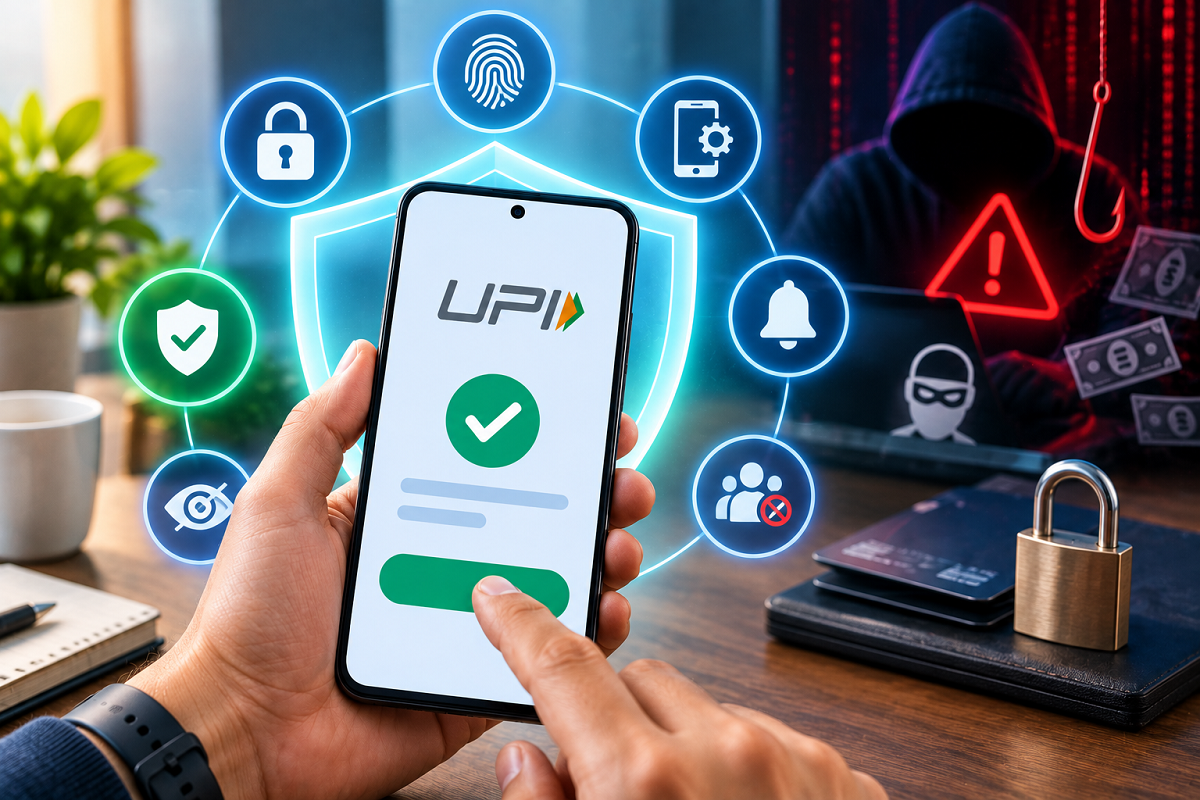
A common UPI scam begins when a fraudster promises to send a refund, reward or payment. The victim is asked to scan a QR code, accept a collect request or enter a UPI PIN.
A UPI PIN is used to authorise a debit from an account. It is not required merely to receive money. NPCI’s official safety guidance clearly states that a UPI PIN is not needed for receiving funds. Customers can review the warning on the NPCI UPI Safety Shield page.
Before approving a UPI transaction, check whether the screen says “Pay,” “Send” or “Collect.” Verify the recipient’s name and amount. If the transaction is unclear, cancel it.
Be Suspicious of Urgent Phone Calls
Cybercriminals may pretend to be bank employees, police officers, government officials, courier representatives or customer-care executives. They often create fear by claiming that an account will be blocked, a parcel contains illegal goods or the customer is under investigation.
Others promise cashback, a refund, an insurance payout or a higher credit limit.
End the call and independently verify the claim through the organisation’s official number. Do not install an app, transfer money or reveal personal information merely because the caller knows your name, bank or partial account details.
Never Install Remote-Access Apps for a Stranger
Some fraudsters persuade victims to install screen-sharing or remote-control applications under the pretext of completing KYC, fixing a banking problem or processing a refund.
Once access is granted, the criminal may be able to view the screen, read messages, capture banking credentials or control the device.
No legitimate bank representative needs remote access to a customer’s phone to update KYC or resolve an ordinary complaint. Remove any suspicious application immediately and contact the bank if financial information may have been exposed.
Download Banking Apps Only From Verified Sources
Install banking and payment applications only from the official Google Play Store or Apple App Store. Check the developer’s name, download history and link provided on the bank’s genuine website.
Avoid APK files received through messages, email attachments or third-party websites. A malicious app can imitate a bank application while stealing login information, reading SMS messages or recording the screen.
Keep the operating system, browser and banking apps updated so that known security weaknesses are patched.
Avoid Banking Transactions on Public Wi-Fi
Free Wi-Fi at railway stations, airports, hotels and cafés may not be adequately secured. An attacker could create a fake network with a believable name or attempt to intercept data.
Use a trusted mobile-data connection for banking, UPI and card payments. If a public network must be used for general browsing, avoid opening financial apps or entering sensitive information.
Customers should also avoid accessing banking services on public computers or cybercafé systems because passwords or session information may be stored without their knowledge.
Use Strong and Unique Passwords
A banking password should not contain easily guessed information such as a name, birth date, mobile number or simple sequence.
Use a long, unique password for internet banking and avoid reusing it on email, shopping or social-media accounts. If another service suffers a data breach, a reused password could expose the banking account.
Enable two-factor authentication on the email account linked with banking services. Since email can be used for password resets and transaction alerts, protecting it is essential.
Secure the Phone Used for Banking
Protect the device with a strong PIN, password, fingerprint or face lock. Set a short automatic screen-lock period and keep the SIM protected.
Do not save banking passwords, card PINs or UPI PINs in notes, contacts, screenshots or chat messages. Disable lock-screen previews for sensitive SMS messages if others can access the phone.
If the device is lost:
- Contact the mobile operator and block the SIM.
- Inform the bank.
- Block cards and UPI access if necessary.
- Change banking and email passwords from a trusted device.
- Use the phone’s official remote-locate or erase feature where available.
Block a Missing Card Immediately
A lost or stolen debit or credit card should be blocked without delay. Use the bank’s official app, internet-banking website or verified customer-care service.
Customers can often temporarily switch off online, international, contactless and ATM transactions through card controls. These settings may reduce risk even before a permanent replacement is issued.
If card information appears to have been compromised despite the physical card remaining in your possession, block or replace it and review recent statements.
Monitor Accounts and Set Transaction Limits
Transaction alerts can help customers notice suspicious activity early. Keep the registered mobile number and email address updated with the bank.
Review bank, card and UPI statements regularly. Do not ignore small unknown debits, as criminals may sometimes test compromised credentials with a low-value transaction.
Where available, set practical daily limits for UPI, card, ATM and internet-banking transactions. Disable services that are not required, such as international or contactless payments.
What to Do Immediately After an Online Banking Fraud
Speed is critical after a fraudulent transaction. Reporting promptly can improve the possibility of tracing or freezing funds, although recovery is never guaranteed.
Take these steps immediately:
- Inform the bank through its official fraud-reporting channel.
- Block the affected card, UPI account or internet-banking access.
- Call the national cybercrime helpline at 1930.
- File a complaint on the National Cyber Crime Reporting Portal.
- Preserve transaction IDs, UTR numbers, screenshots, messages and phone numbers.
- Change compromised passwords from a secure device.
- Contact the local police if advised or if the case involves threats or identity theft.
The cybercrime portal advises victims of financial fraud to report the incident immediately through the portal or by calling 1930.
Keep details such as the bank or wallet name, transaction time, fraud amount and UTR number ready while filing the complaint. Do not delete suspicious messages or uninstall a fraudulent app before preserving evidence, unless leaving it installed creates an immediate security risk.
Final Takeaway
Most online banking scams rely on urgency, fear or attractive promises rather than highly sophisticated hacking. Fraudsters try to make customers reveal credentials, approve a debit or install malicious software.
Use only official banking apps and websites, never share confidential credentials, avoid public Wi-Fi for payments and remember that receiving money does not require a UPI PIN. If fraud occurs, contact the bank and call 1930 immediately.
Disclaimer: This article is intended for general cyber-safety awareness. Banking processes and security controls may vary. Customers should follow the latest instructions issued by their bank, RBI, NPCI and the National Cyber Crime Reporting Portal.