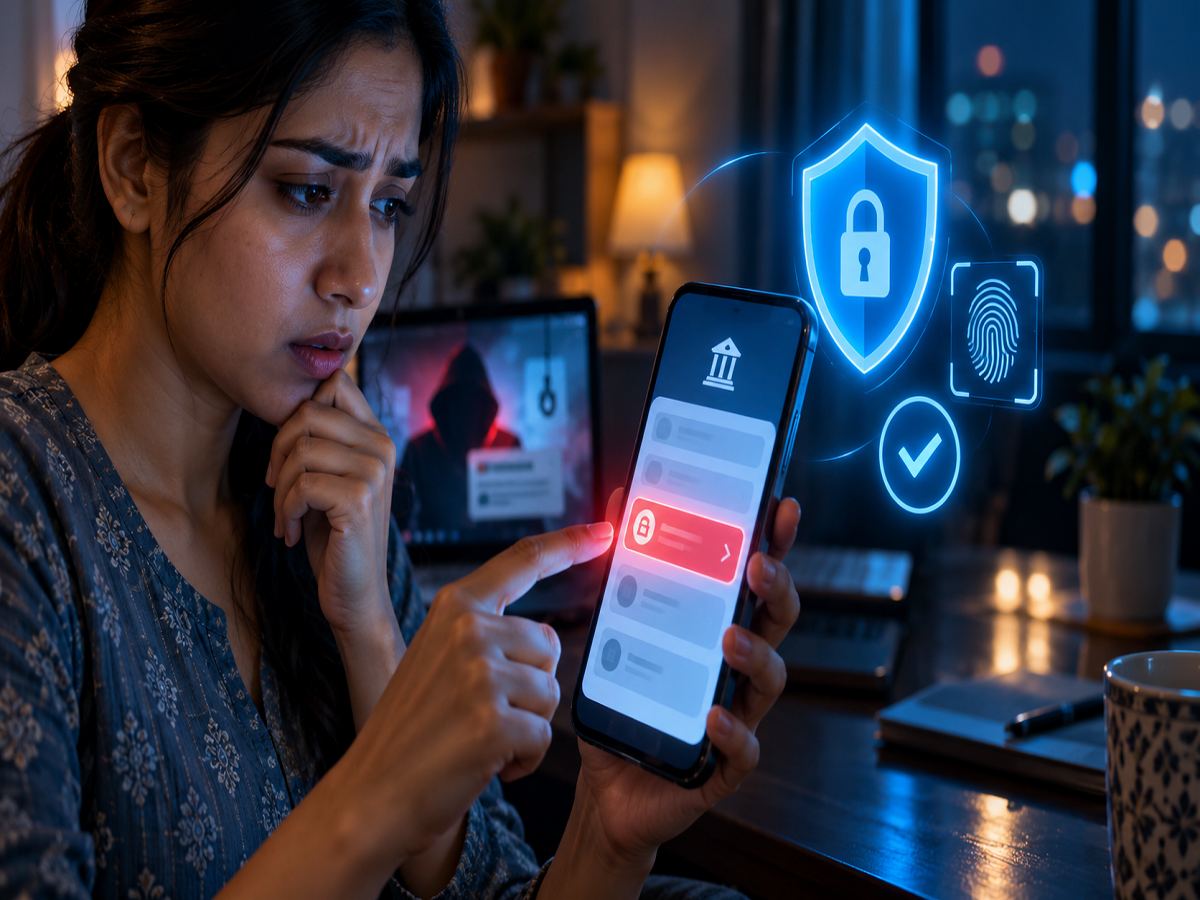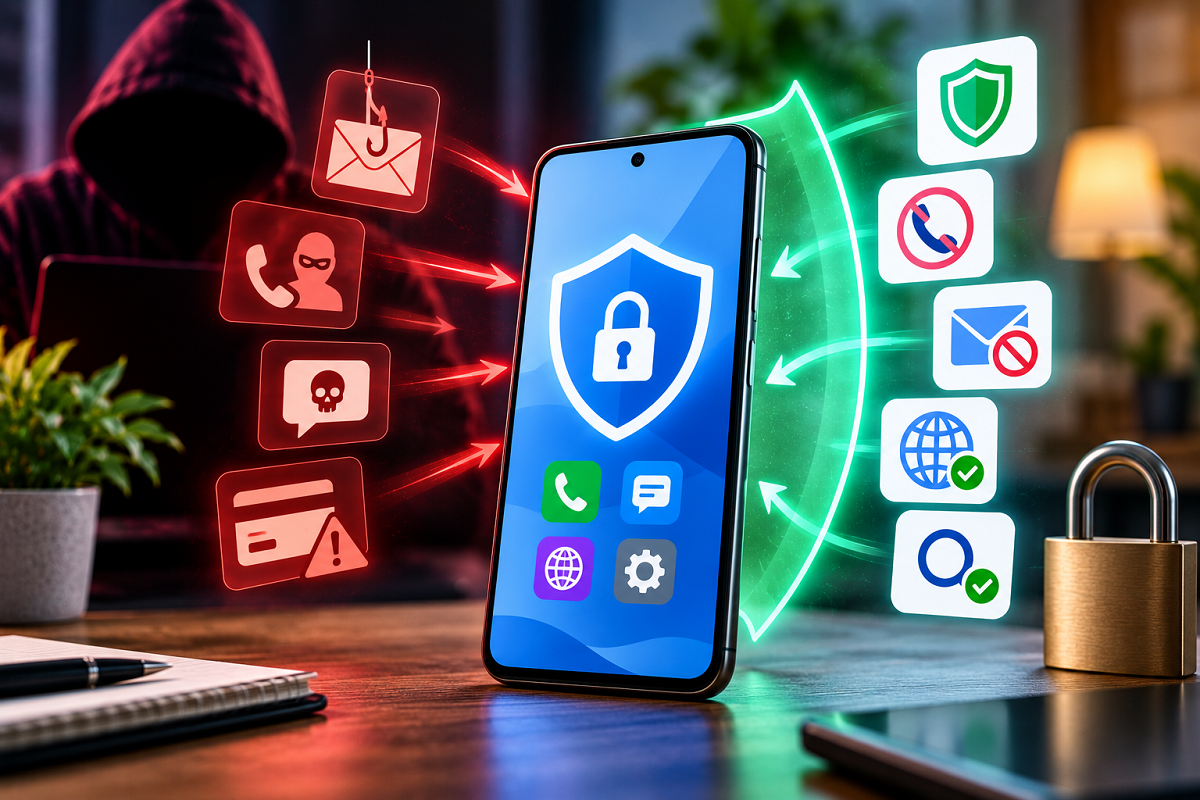
Strange pop-ups, unknown apps, unexpected login alerts or suspicious transactions could indicate a security problem. If you suspect a cyberattack, acting quickly can help limit further damage and protect your accounts.
Cyberattacks are no longer a problem faced only by large companies, banks or government organisations. Individual users are increasingly targeted through phishing messages, malicious applications, malware, ransomware, stolen passwords and online financial scams.
A suspicious email attachment, fake banking link or malicious app can sometimes be enough to compromise a device or online account. The situation becomes more serious when attackers gain access to email, banking apps, social-media accounts or stored personal information.
If you believe your smartphone or computer has been compromised, avoid randomly clicking pop-ups or downloading so-called security tools. Instead, take a few systematic steps to contain the incident and secure your important accounts.
1. Disconnect the Affected Device From the Internet
If you suspect active malware or unauthorised remote access, disconnecting the affected device from the network can be an important first step.
Turn off Wi-Fi and mobile data. If your computer is connected through an Ethernet cable, disconnect the cable as well.
Doing this may interrupt an attacker's active connection and can help prevent certain types of malicious software from communicating with external servers or spreading through a network.
However, don't immediately erase or factory-reset a work device if it belongs to your employer. Contact your company's IT or cybersecurity team because they may need to investigate the incident.
2. Don't Open Unknown Files or Suspicious Apps
If an unfamiliar file has recently appeared on your phone or computer, don't open it simply to find out what it contains.
Malicious files may be disguised as invoices, photographs, courier documents, bank statements, job offers or software updates.
The same rule applies to unexpected email attachments and files received through messaging applications.
If you downloaded something immediately before noticing suspicious activity, leave the file unopened until the device can be checked safely.
3. Secure Your Most Important Accounts From a Trusted Device
If you believe your passwords may have been stolen, use another device that you trust to secure your accounts.
Prioritise your primary email account because email is commonly used for password resets across many other services. After that, protect financial accounts, cloud storage, social media and other sensitive services.
Change compromised passwords to new, unique passwords that you have not used elsewhere.
If the same password was reused across multiple websites, change it on those accounts as well. Password reuse can allow criminals to use credentials stolen from one service to access another.
4. Enable Two-Factor Authentication
Two-factor authentication, also known as 2FA or multi-factor authentication, adds another layer of protection beyond your password.
Enable it wherever possible, particularly for email, banking, cloud storage and social-media accounts.
Authenticator apps or security keys can provide strong protection where supported. Other authentication methods may also be available depending on the service.
If two-factor authentication was already enabled but you suspect an account takeover, review the registered authentication methods. Attackers who gain sufficient access may attempt to add their own recovery email, phone number or authentication method.
5. Review Active Sessions and Recent Logins
Changing your password may not always be enough if an attacker already has an active session.
Open the security settings of the affected service and review devices, active sessions and recent login activity.
Sign out of unfamiliar devices. If the platform provides an option to sign out everywhere, consider using it after changing your password.
Also inspect recovery email addresses, phone numbers, forwarding rules and other account settings for unauthorised changes.
For an email account, pay particular attention to suspicious forwarding rules or filters that could secretly send copies of incoming messages elsewhere.
6. Scan and Update the Device
Once the immediate risk has been contained, check the affected device using reputable security tools.
Update the operating system, browser, applications and security software. Then perform an appropriate malware or antivirus scan where available.
Remove suspicious applications or browser extensions that you do not recognise.
Avoid downloading random “virus removal” applications promoted through pop-up advertisements. Fake security software itself can be malicious.
If malware continues returning, security settings have been heavily altered or you cannot confidently clean the device, professional technical assistance or a properly performed reset may be necessary.
7. Check Your Bank and Payment Accounts
If financial information may have been exposed, review bank accounts, credit cards, UPI-linked accounts and payment apps for unfamiliar transactions.
If you find an unauthorised transaction, contact your bank or payment provider immediately through its official customer-support channel.
Do not call numbers included in suspicious SMS messages, emails or pop-ups. Use contact information from the bank's official app, website or the back of your card.
Speed can matter in financial fraud cases, so suspicious transactions should be reported as soon as possible.
Watch for Signs of SIM-Swap Fraud
If your mobile network suddenly disappears without an obvious reason while your accounts are also behaving strangely, contact your telecom provider.
In a SIM-swap attack, criminals may attempt to transfer a victim's mobile number to another SIM or eSIM. This can potentially allow them to intercept SMS-based authentication codes.
Unexpected loss of mobile service should therefore not be ignored when accompanied by other signs of account compromise.
Preserve Evidence Before Deleting Everything
It can be tempting to delete suspicious messages immediately, but retaining evidence may help when reporting fraud or an account takeover.
Take screenshots of suspicious login alerts, transactions, messages and relevant error screens. Note approximately when the incident occurred.
Keep transaction IDs and other relevant records if money has been stolen.
Avoid preserving malware itself by opening or forwarding suspicious files. The objective is to document the incident without creating additional exposure.
Be Careful of 'Recovery' Scams
Cybercrime victims can sometimes be targeted a second time by people claiming they can recover stolen money, unlock accounts or remove hackers for a fee.
Treat unsolicited recovery offers with extreme caution.
Never share OTPs, PINs, passwords, card details or remote-access permissions with strangers claiming to be cybersecurity experts, bank employees or government officials.
Legitimate organisations will not need your banking PIN or password to investigate a complaint.
Quick Action Can Limit the Damage
A suspected cyberattack can be stressful, but acting methodically is more useful than panicking.
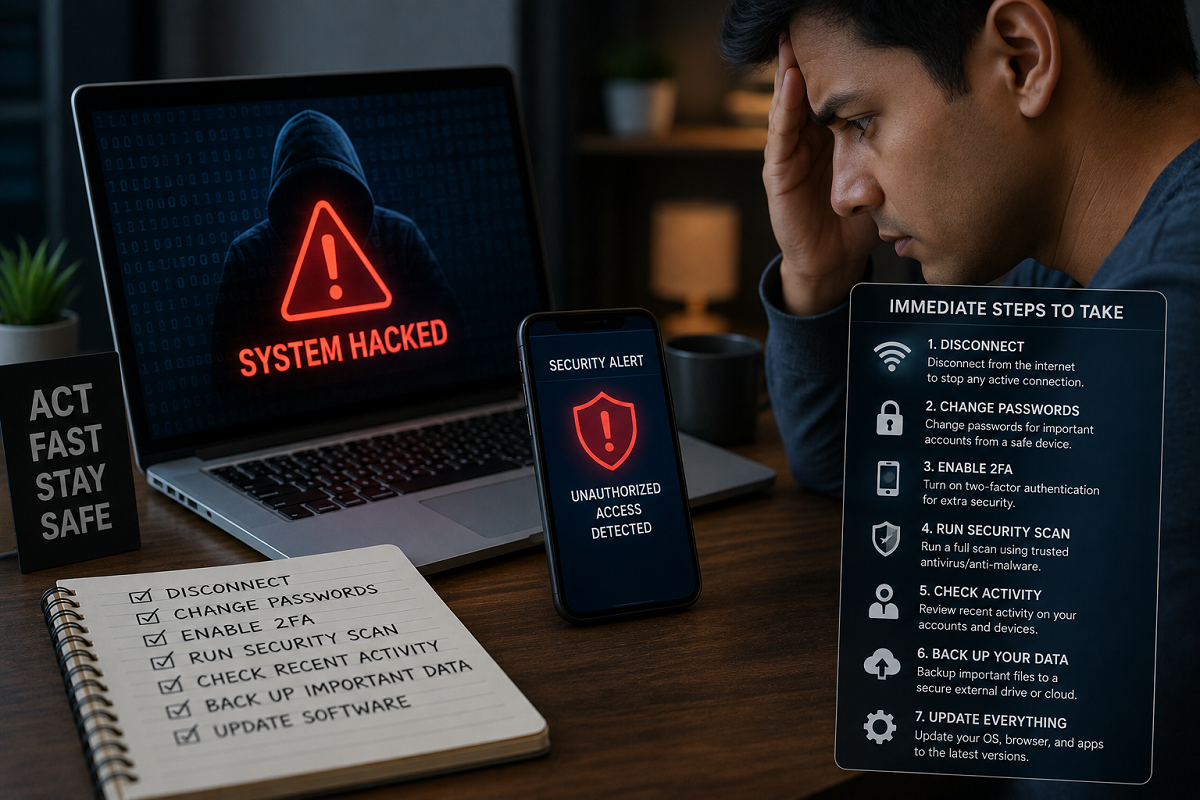
Disconnect a potentially infected device if appropriate, avoid opening suspicious files, secure critical accounts from a trusted device, change compromised passwords, enable two-factor authentication and review active sessions.
If money is involved, contact the relevant financial institution quickly and report the incident through appropriate official cybercrime channels.
Most importantly, don't continue using a potentially compromised device for sensitive activities such as online banking until you are reasonably confident that it is secure.
Disclaimer: This article provides general cybersecurity guidance. The appropriate response can vary depending on whether the incident involves malware, ransomware, financial fraud, a compromised online account or an organisation's managed device. Serious incidents should be handled with assistance from the relevant service provider, financial institution, IT team or qualified cybersecurity professional.